

Service requests, quotes, scheduling, job cards, assets and invoicing — one system your office and your field team actually share. No more copying details between tools.
Work arrives by portal, phone or Ava. Every request lands in one inbox, matched to the right customer and site.
Send branded quotes with optional scope. Customers approve online, and approved work converts straight into jobs.
Plan one visit or many. Forms, parts and signatures travel with the job until it's genuinely done.
Invoice from completed work in a click — deposits, partial payments and receivables tracked to the cent.
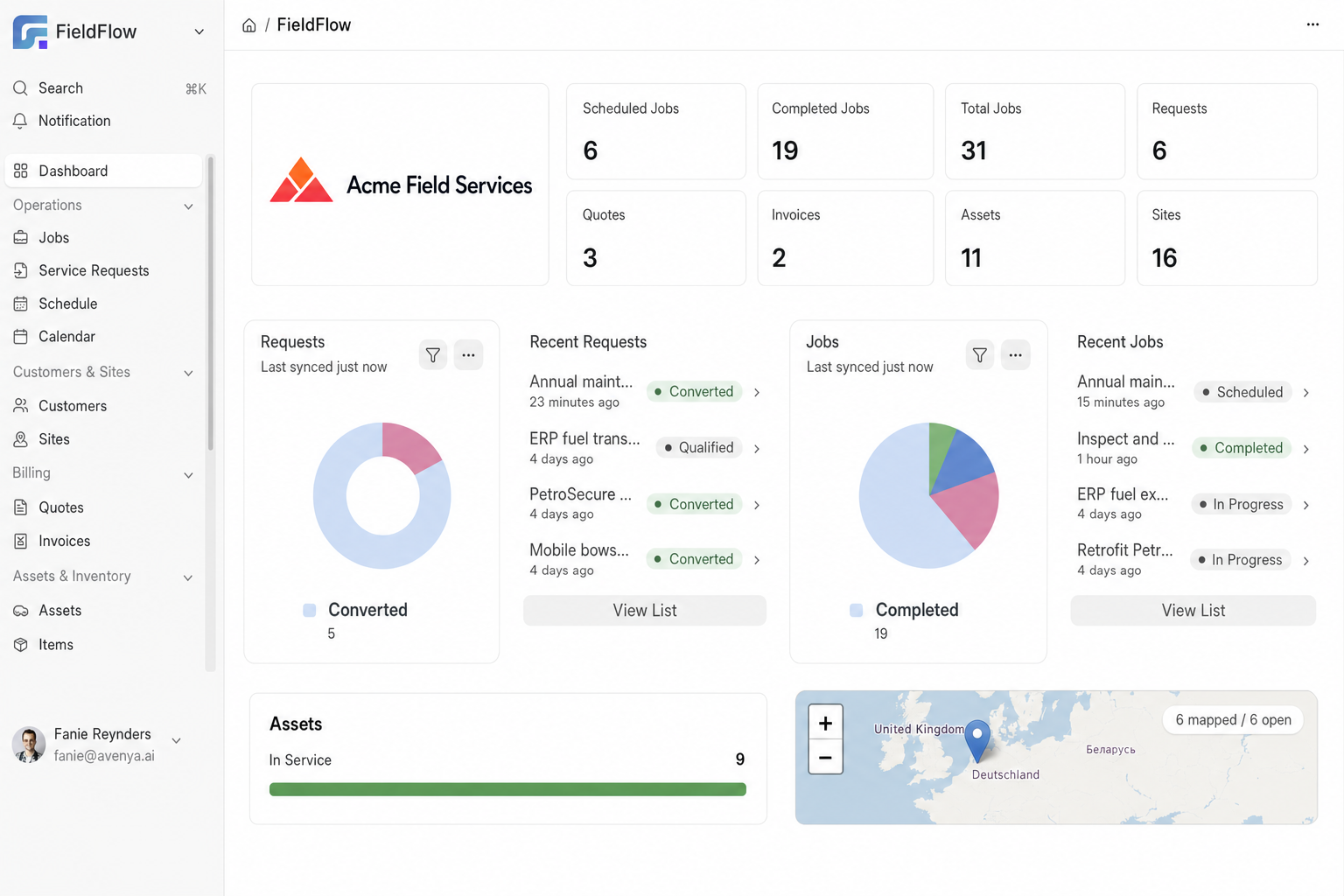
Live counts for jobs, requests, quotes, invoices, assets and sites — with recent activity and a map of where your customers are. Start the morning knowing exactly what needs attention.
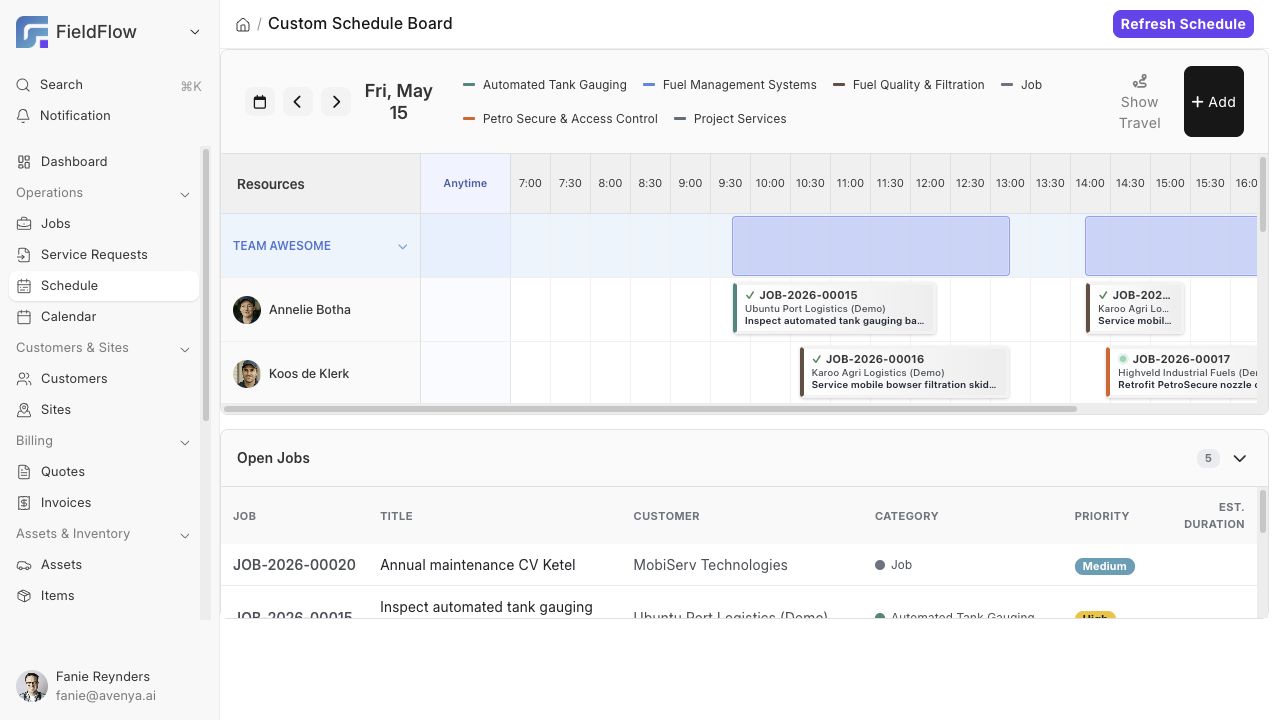
Drag jobs onto technicians or whole teams. Exact-time visits and "anytime today" work sit side by side, and the open-jobs queue makes sure nothing waits unnoticed.
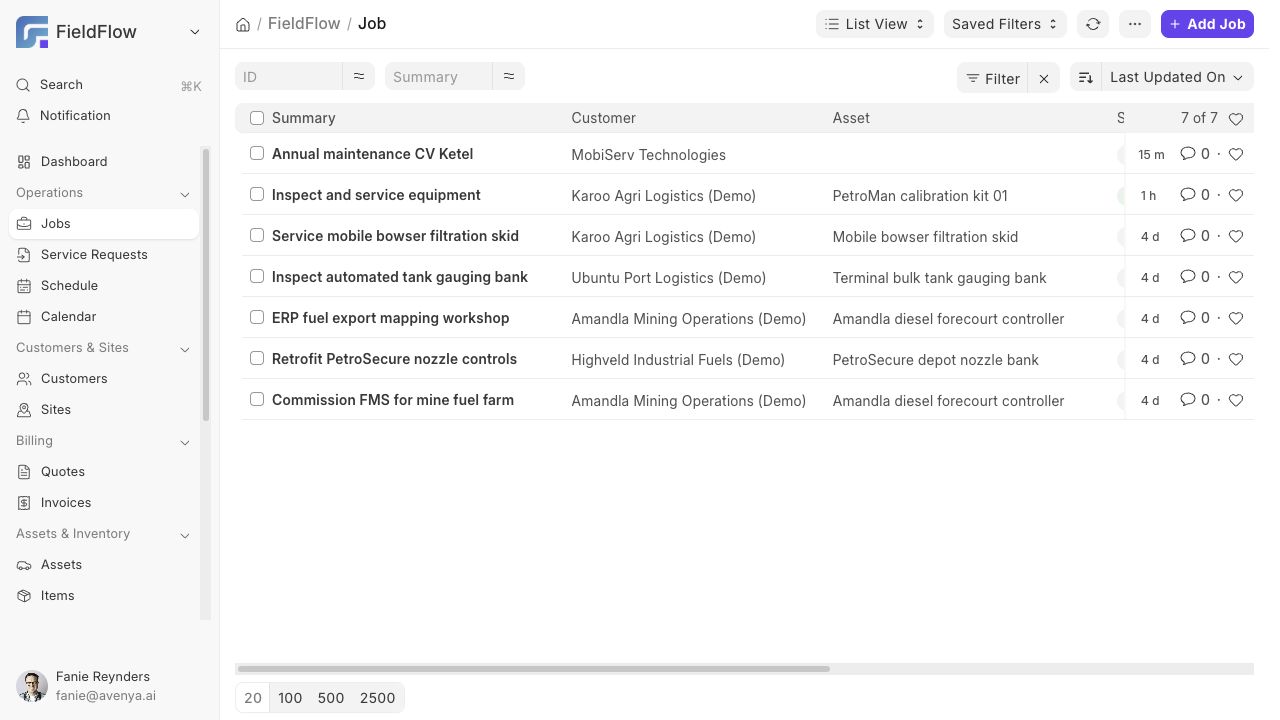
A job stays open until the work is truly done: required forms submitted, checklists ticked, signatures collected. Multi-visit jobs keep every visit's time, travel and expenses in one place.
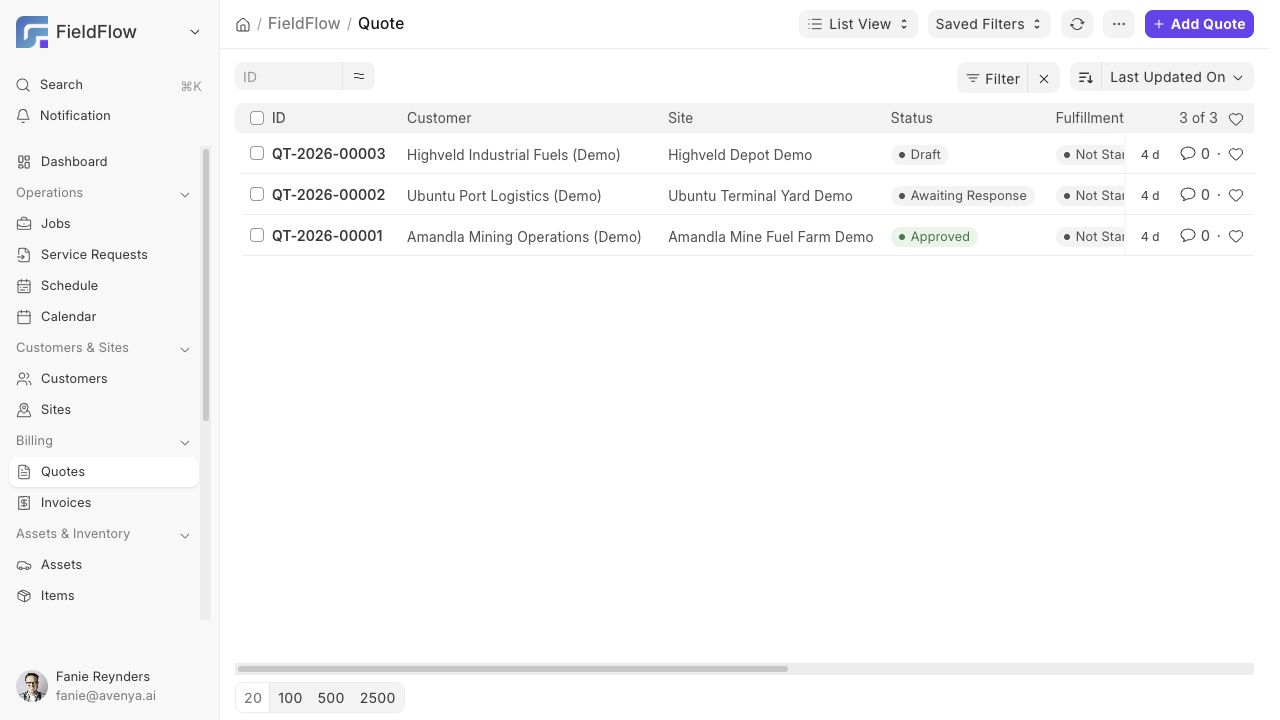
Build quotes with options, send them with a portal link and a branded PDF, and watch the status move from awaiting response to approved. Approved scope converts to jobs or invoices without retyping.
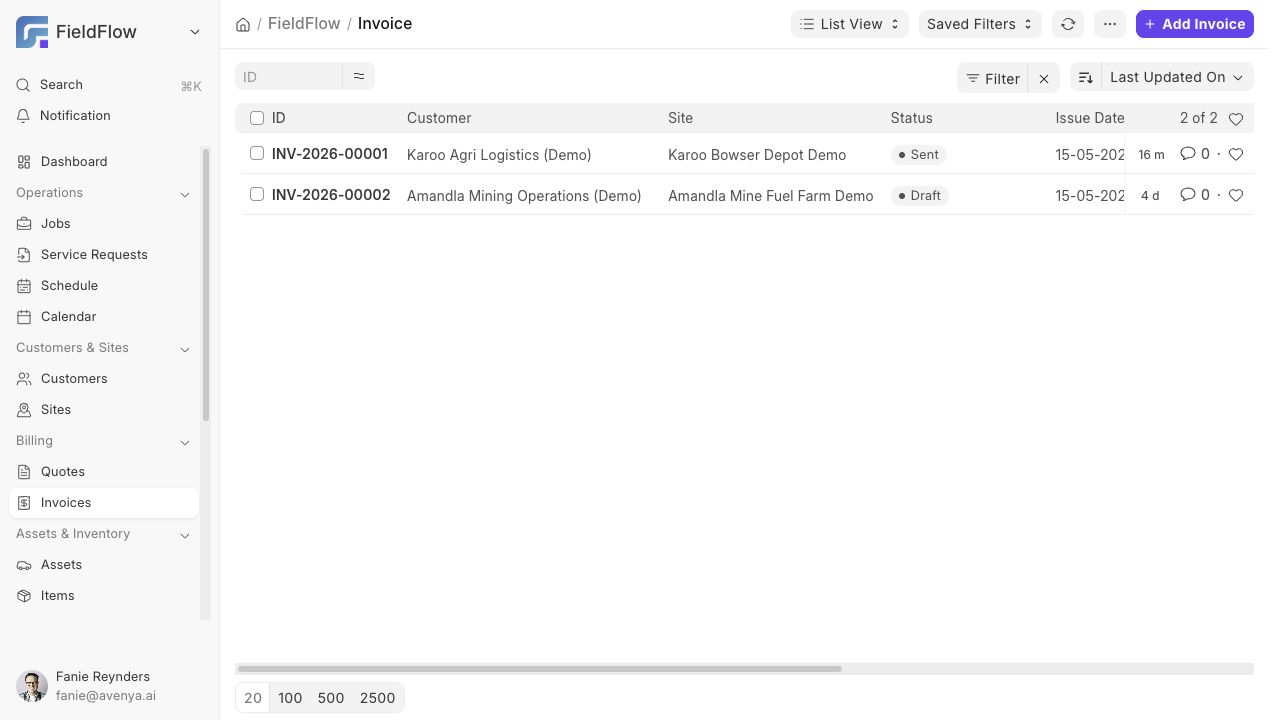
Generate invoices from completed jobs with the parts, time and travel already on them. Track the full lifecycle — sent, partially paid, paid, past due — and keep deposits and credits straight.
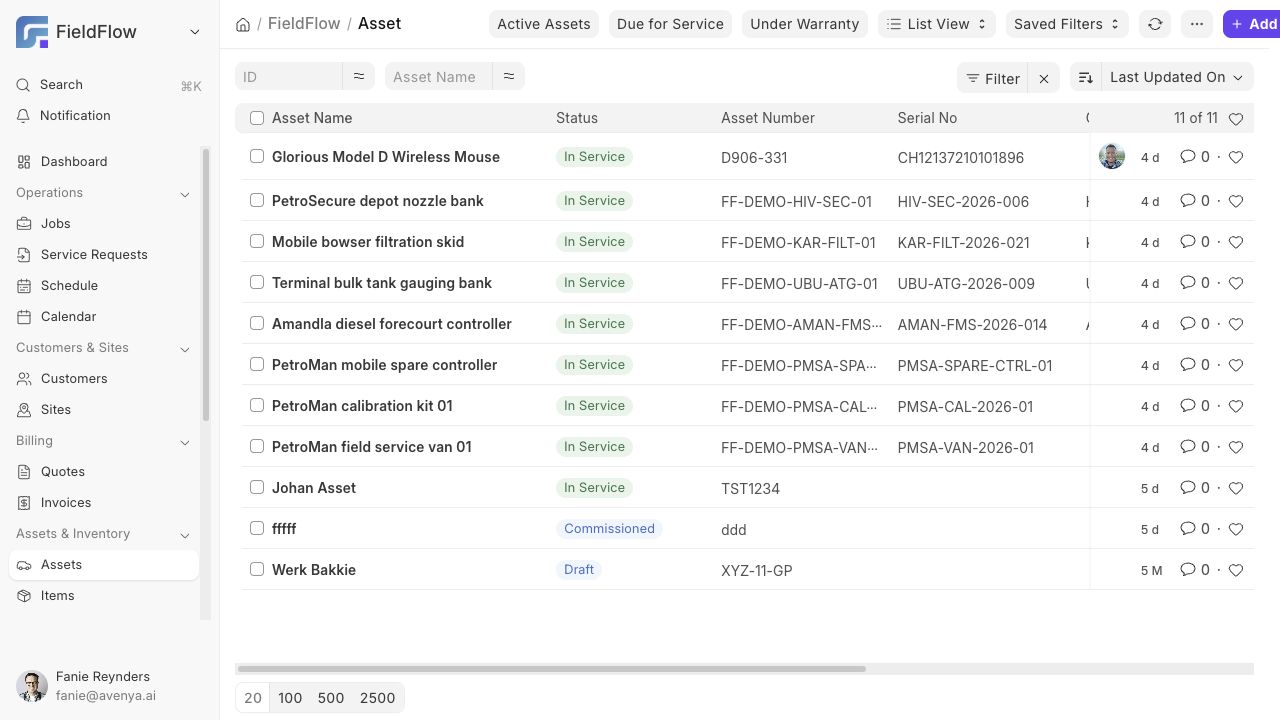
Register the equipment you service — yours or your customers' — with serial numbers, warranty, meter readings and location history. Service plans calculate the next due date so preventive work books itself onto the schedule.
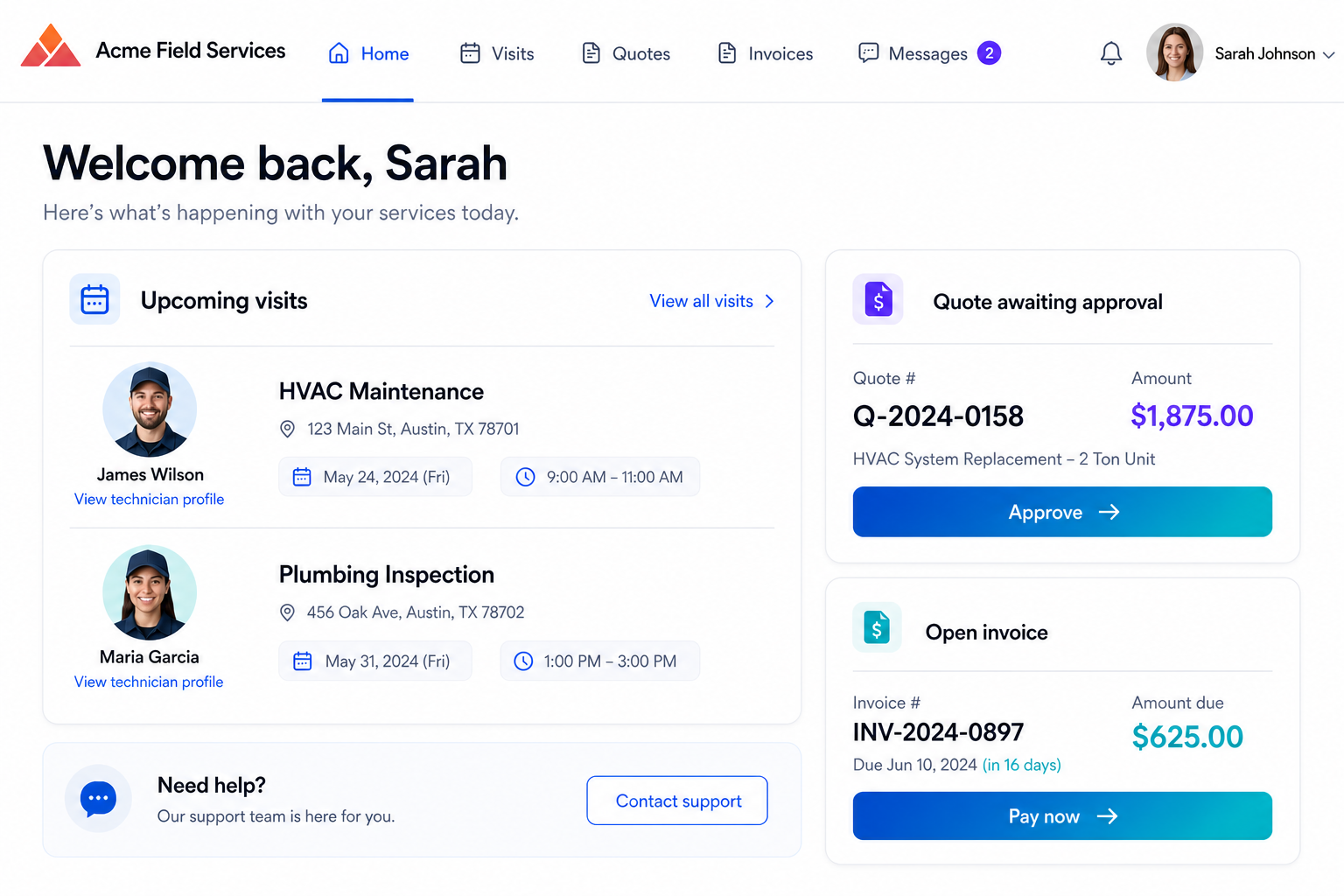
A clean portal in your branding where customers request service, approve quotes, see upcoming visits with assigned technicians, and pay invoices — no phone tag required.
Design your own forms, attach them per job type, and make them required before a visit can complete.
Plan parts on the job, log what was actually used, and let the difference flow into the invoice.
Per-visit timesheets, mileage and expenses — with an approval center before anything hits job costing.
Trigger actions when quotes are approved, visits complete or invoices fall due — emails, statuses, follow-ups.
Jobs, checklists, receivables, team productivity — the numbers you run the business on, without exports.
Every record here can be created and updated by Ava — from a voice note, a message or a photo.
Bring a real job from your week — we'll run it through intake, scheduling, the visit and the invoice, live.